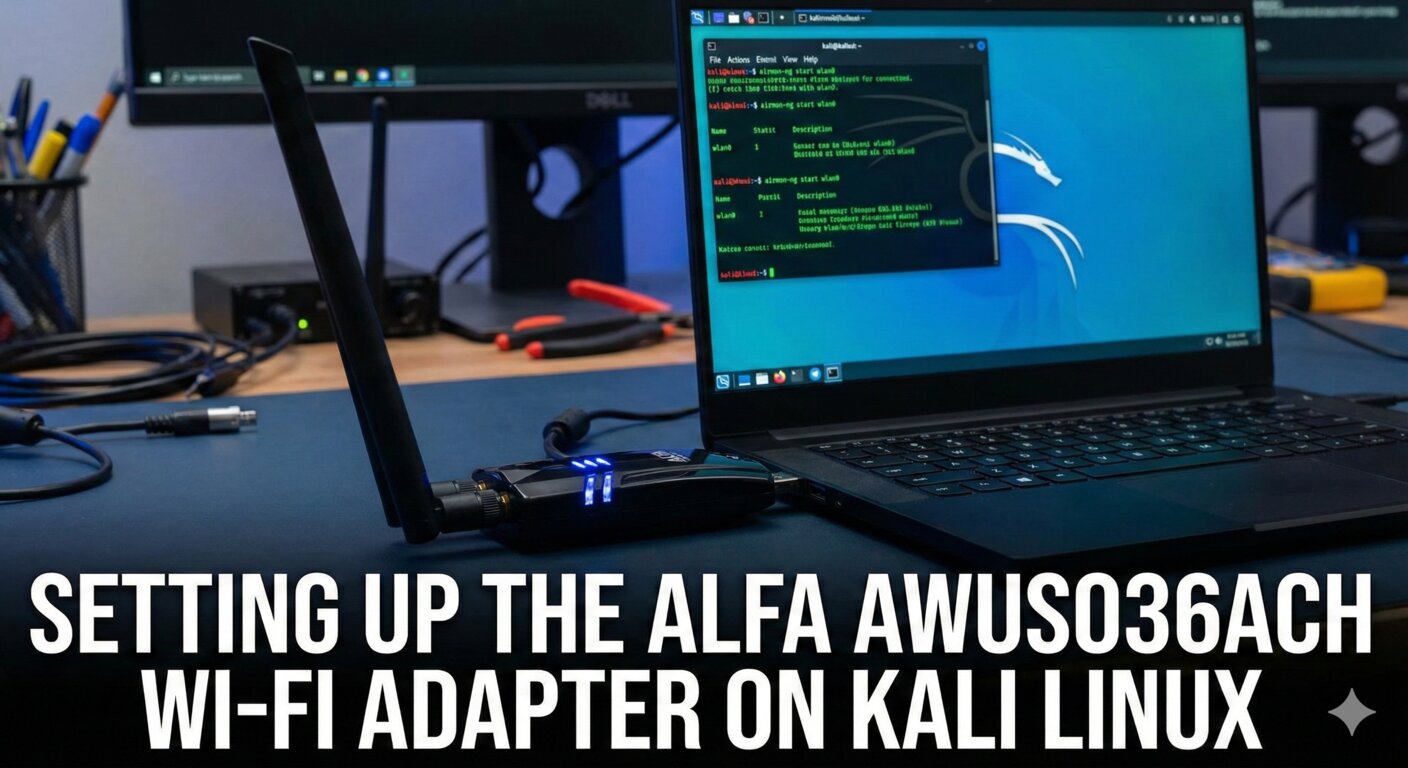
Setup Alfa AWUS036ACH Wi-Fi Adapter on Kali Linux
If you’re into wireless pentesting or ethical hacking, the Alfa AWUS036ACH is a go-to Wi-Fi adapter. It consistently ranks in the top 5 for Kali Linux compatibility, thanks to its support for monitor mode and packet injection. However, it’s not plug-and-play—Kali doesn’t support it out of the box. In this post, I’ll walk you through the installation process step by step, based on my recent setup.
Getting Started
Plug the AWUS036ACH into a USB port on your Kali machine using the included cable. Run lsusb to confirm Kali detects the device:
1 | lsusb |
You’ll see it listed on something like Bus 002. That’s good—Kali recognizes the hardware. But check iwconfig:
1 | iwconfig |
No wireless interface shows up yet because the drivers aren’t installed.
Updating Kali Linux
Before drivers, ensure your system is current:
1 | sudo apt-get update |
Reboot after the updates finish.
Installing the Realtek RTL88xxAU Drivers
Install the Realtek drivers package:
1 | sudo apt-get install realtek-rtl88xxau-dkms |
Next, get DKMS for kernel module management:
1 | sudo apt-get install dkms |
Clone the RTL8812AU drivers from GitHub:
1 | git clone https://github.com/aircrack-ng/rtl8812au.git |
Navigate to the directory:
1 | cd rtl8812au |
Build the drivers:
1 | make |
Install them (as root):
1 | sudo make install |
Reboot the system.
Verifying the Installation
Post-reboot, run iwconfig again. You should see two wireless interfaces: wlan0 (built-in) and wlan1 (the new Realtek one).
In Kali’s network manager, look for “Wi-Fi NETWORKS (REALTEK RTL8812AU 802.11A/B/G/N/AC 2T2R)” as an available interface.

Enabling Monitor Mode
For monitor mode (essential for tools like Aircrack-ng), use these commands (replace wlan1 with your interface):
1 | sudo ip link set wlan1 down |
Repeat this each time you need monitor mode, as it doesn’t persist.
Final Thoughts
With this setup, your AWUS036ACH is ready for wireless assessments. It’s reliable for injection and monitoring, making it a staple in my toolkit. If you run into issues (e.g., kernel mismatches), check the GitHub repo for updates. Questions? Drop them in the comments—happy hacking!